Celebrity Quote Analysis with The Azure AI Services
from synapse.ml.services import *
from pyspark.ml import PipelineModel
from pyspark.sql.functions import col, udf
from pyspark.ml.feature import SQLTransformer
from synapse.ml.core.platform import find_secret

# put your service keys here
ai_service_key = find_secret(
    secret_name="ai-services-api-key", keyvault="mmlspark-build-keys"
)
ai_service_location = "eastus"
Setting up celebrity quote images
Here we set up a static list of celebrity image URLs for analysis.
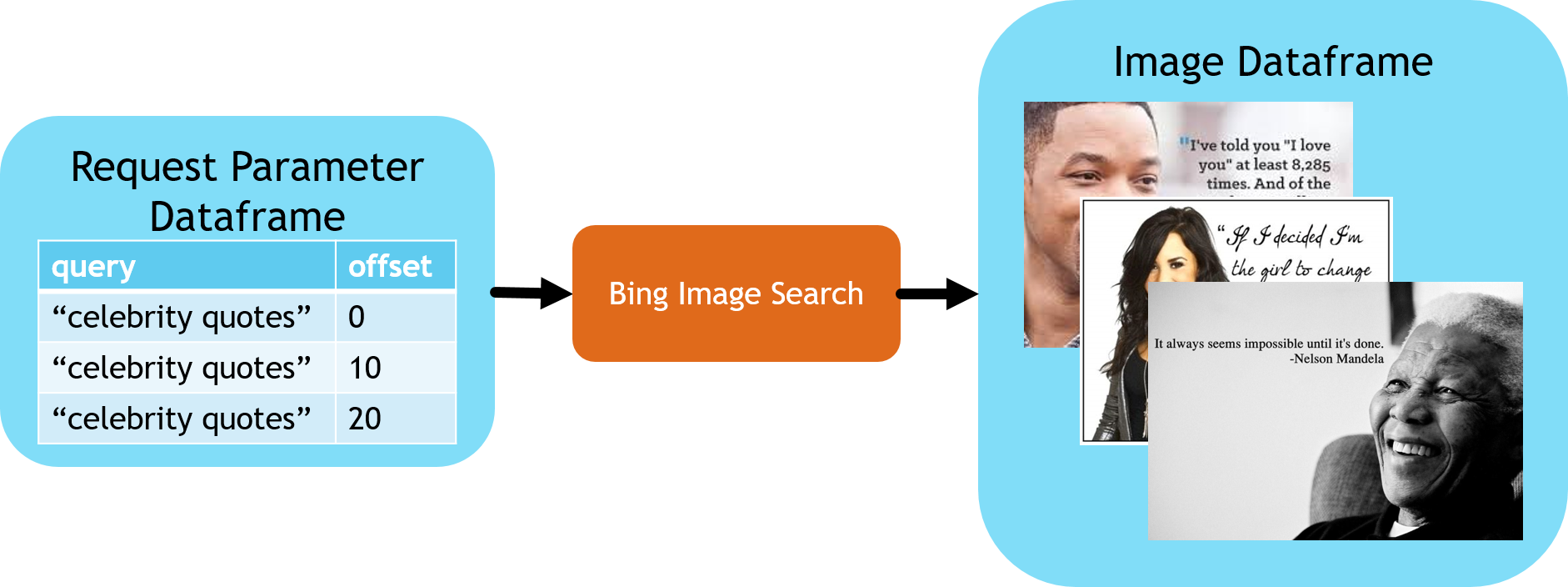
# Static list of celebrity quote image URLs
celebrity_image_urls = [
    "https://mmlspark.blob.core.windows.net/datasets/DSIR/test2.jpg",
    "https://mmlspark.blob.core.windows.net/datasets/DSIR/test1.jpg",
]

urlDF = spark.createDataFrame([(url,) for url in celebrity_image_urls], ["url"])
Recognizing Images of Celebrities
This block identifies the name of the celebrities for each of the images.
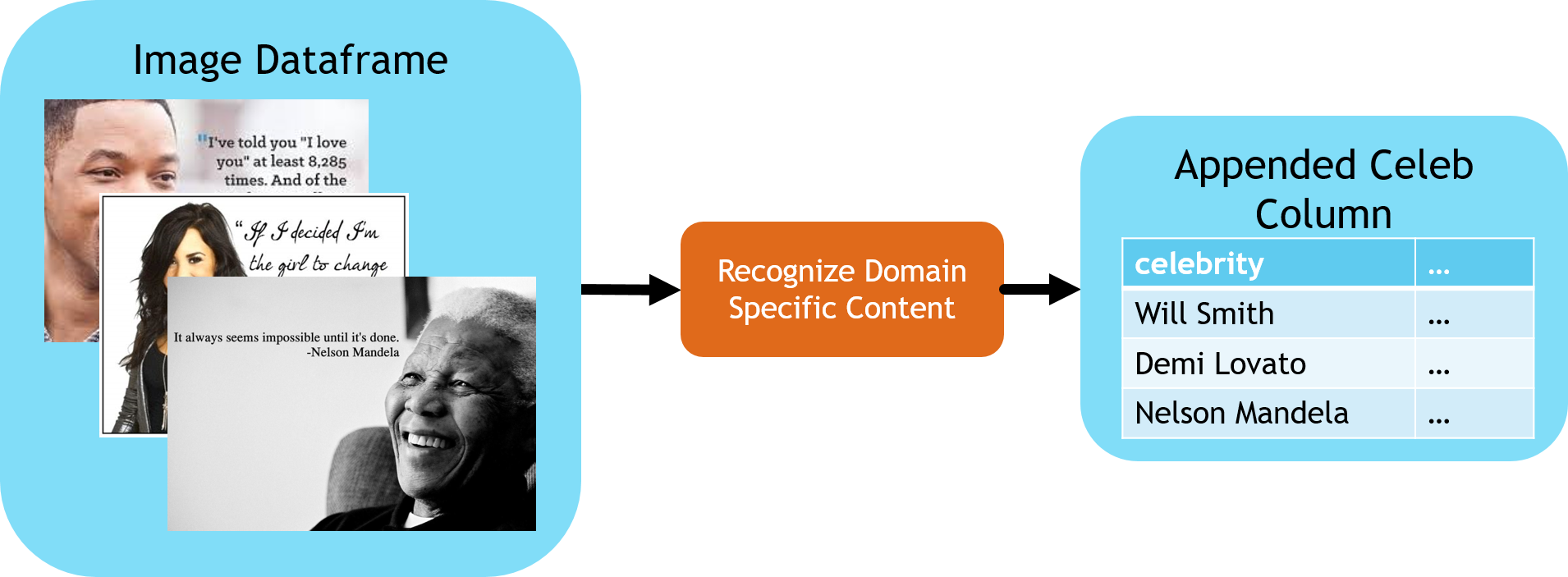
celebs = (
    RecognizeDomainSpecificContent()
    .setSubscriptionKey(ai_service_key)
    .setLocation(ai_service_location)
    .setModel("celebrities")
    .setImageUrlCol("url")
    .setOutputCol("celebs")
)

# Extract the first celebrity we see from the structured response
firstCeleb = SQLTransformer(
    statement="SELECT *, celebs.result.celebrities[0].name as firstCeleb FROM __THIS__"
)
Reading the quote from the image.
This stage performs OCR on the images to recognize the quotes.
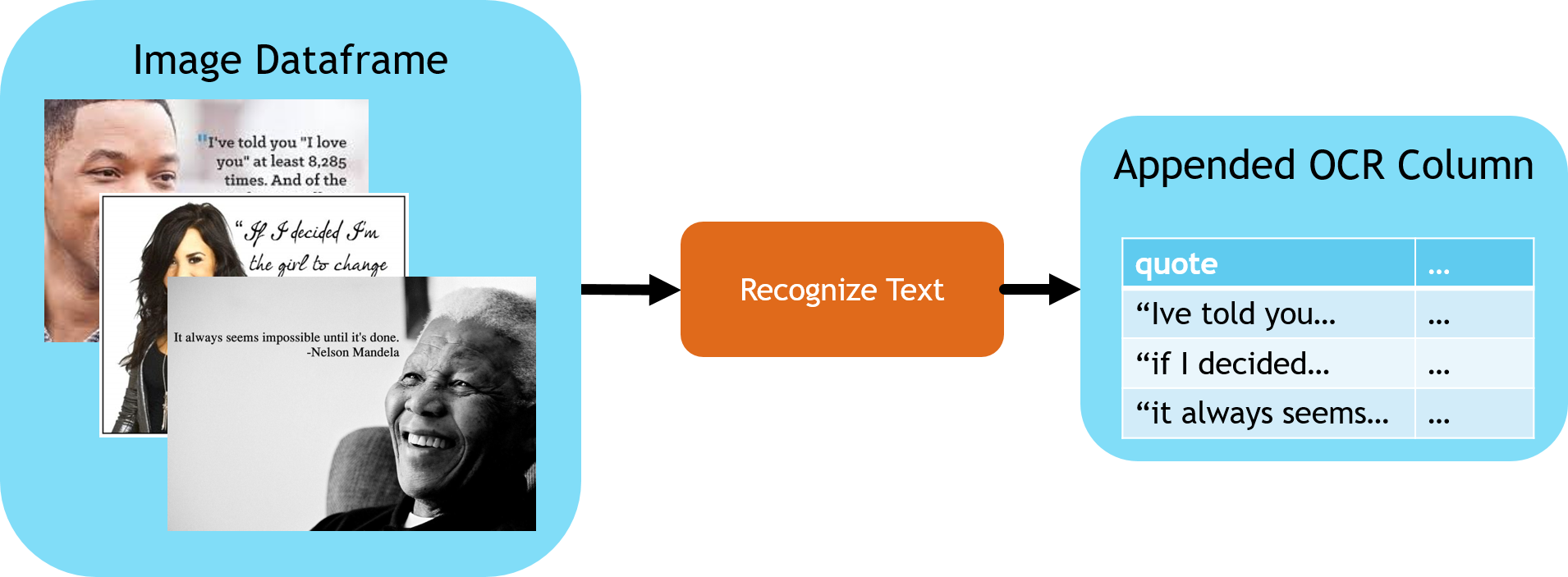
from synapse.ml.stages import UDFTransformer

recognizeText = (
    RecognizeText()
    .setSubscriptionKey(ai_service_key)
    .setLocation(ai_service_location)
    .setImageUrlCol("url")
    .setMode("Printed")
    .setOutputCol("ocr")
    .setConcurrency(5)
)


def getTextFunction(ocrRow):
    if ocrRow is None:
        return None
    return "\n".join([line.text for line in ocrRow.recognitionResult.lines])


# this transformer wil extract a simpler string from the structured output of recognize text
getText = (
    UDFTransformer()
    .setUDF(udf(getTextFunction))
    .setInputCol("ocr")
    .setOutputCol("text")
)
Understanding the Sentiment of the Quote
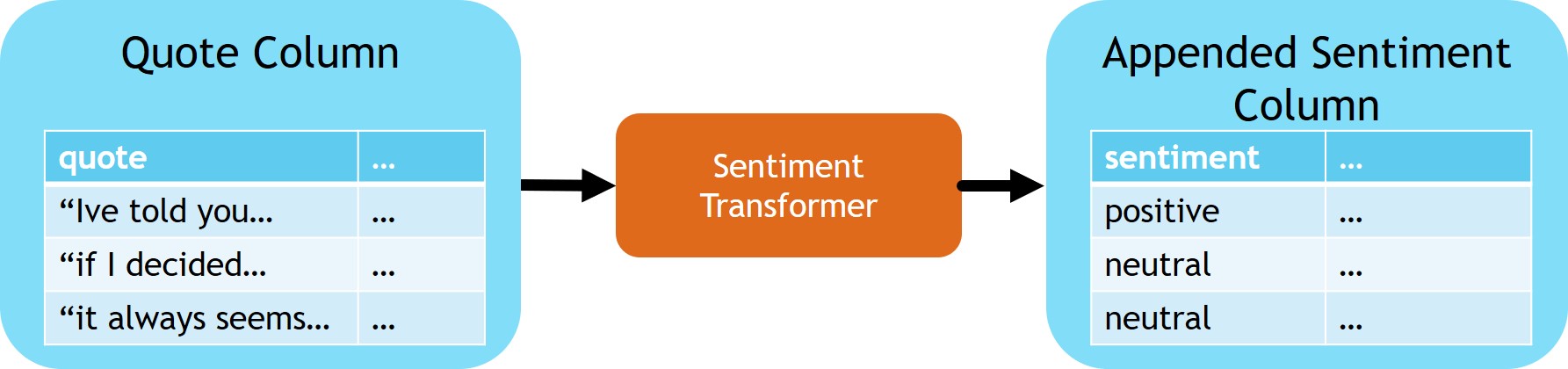
sentimentTransformer = (
    TextSentiment()
    .setLocation(ai_service_location)
    .setSubscriptionKey(ai_service_key)
    .setTextCol("text")
    .setOutputCol("sentiment")
)

# Extract the sentiment score from the API response body
getSentiment = SQLTransformer(
    statement="SELECT *, sentiment.document.sentiment as sentimentLabel FROM __THIS__"
)
Tying it all together
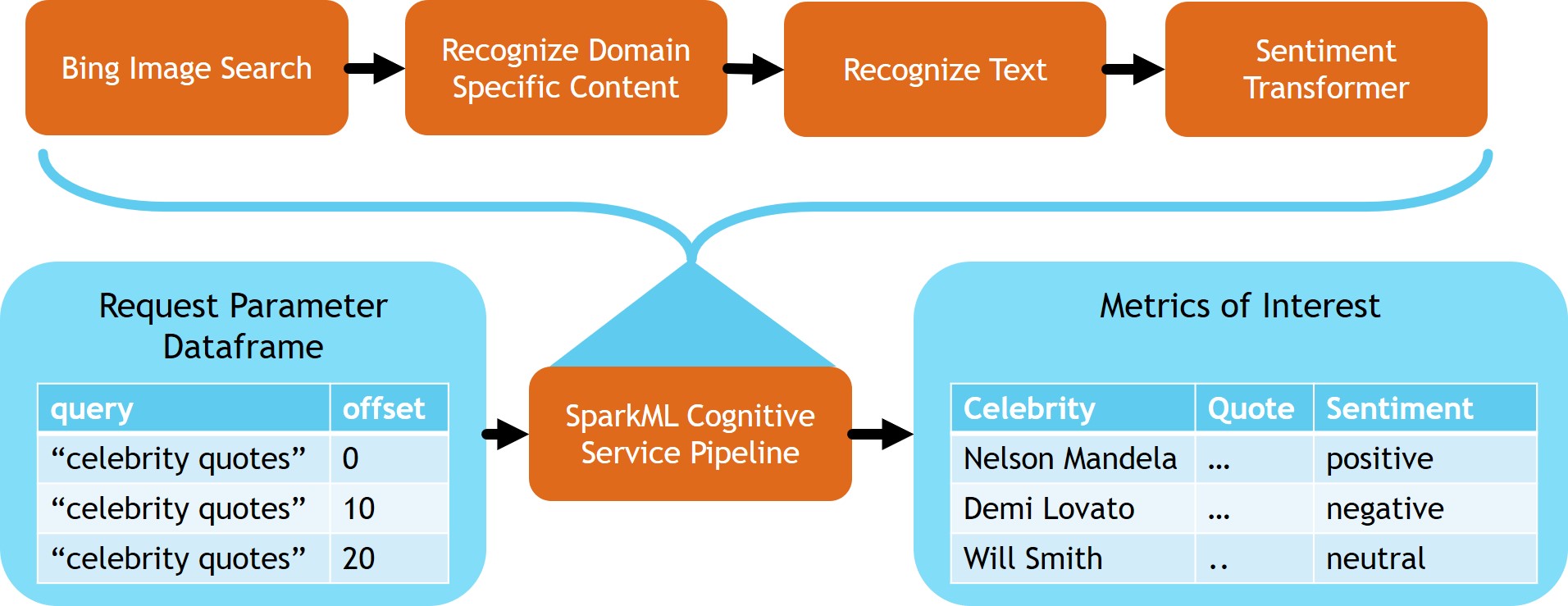
Now that we have built the stages of our pipeline it's time to chain them together into a single model that can be used to process batches of incoming data
from synapse.ml.stages import SelectColumns

# Select the final columns
cleanupColumns = SelectColumns().setCols(
    ["url", "firstCeleb", "text", "sentimentLabel"]
)

celebrityQuoteAnalysis = PipelineModel(
    stages=[
        celebs,
        firstCeleb,
        recognizeText,
        getText,
        sentimentTransformer,
        getSentiment,
        cleanupColumns,
    ]
)

celebrityQuoteAnalysis.transform(urlDF).show(5)